
Proper piano playing for adults, at your own pace
PianoLeap is a calm, friendly piano course. You read real music, play on your own piano, and a teacher’s voice guides you. For the pleasure of it.
Coming soon to the App Store How it works
Free to start. For iPad, iPhone and Mac.
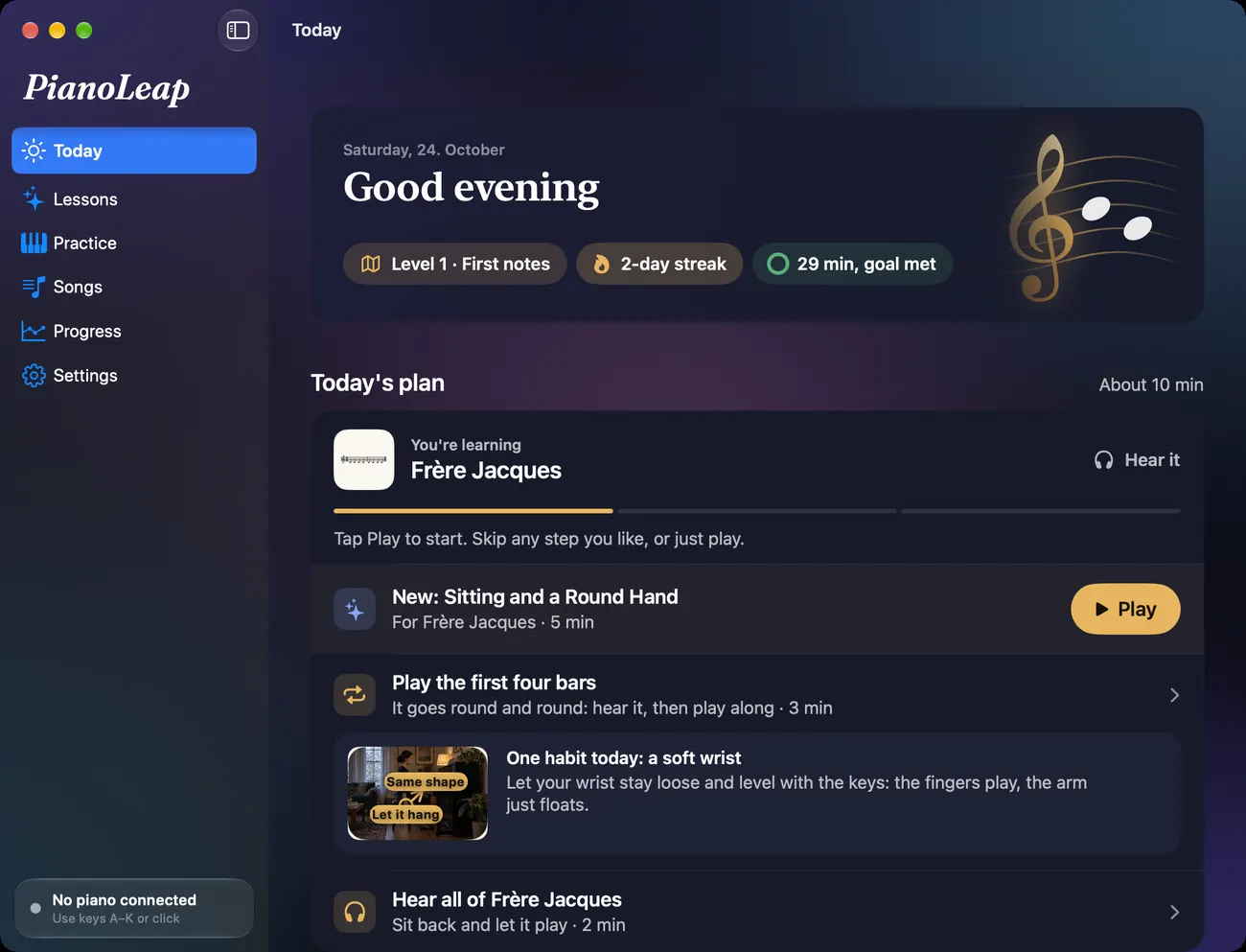
Today
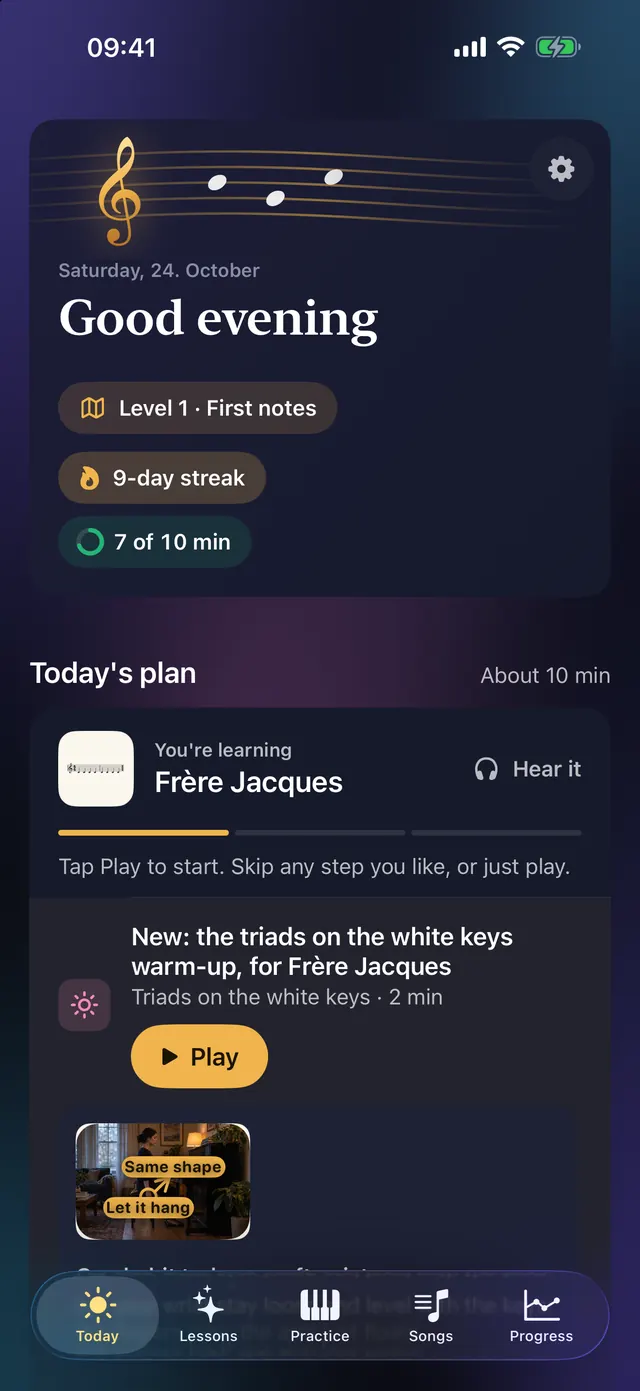
A short session, made for you
Open the app and your plan for the day is waiting: a warm-up, a few minutes on what you are learning, and a piece to hear and play. Ten minutes is plenty. Skip any step you like, or just play.
Your journey
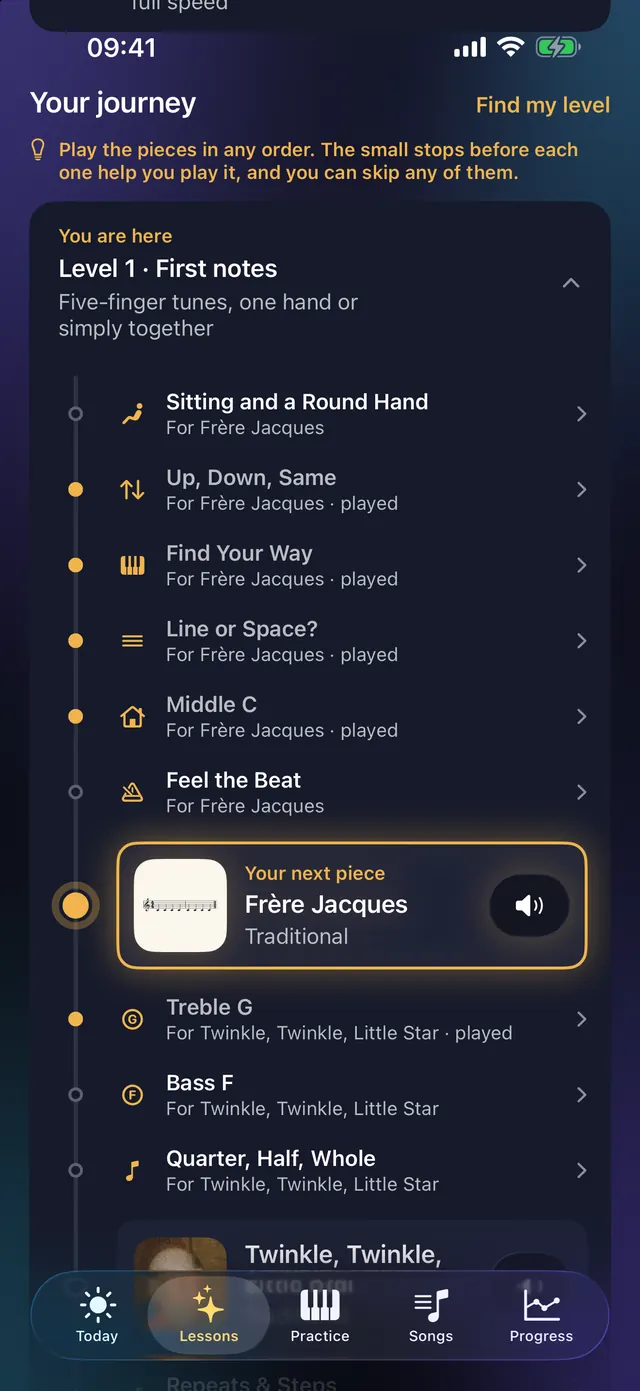
From your first note to pieces you love
Your journey is a path of small lessons and real pieces, lit as you go. Four levels take you from five-finger tunes to playing with feeling. Already play a little? Find your level in a minute, or play any piece at full speed to skip ahead.
A teacher at your side
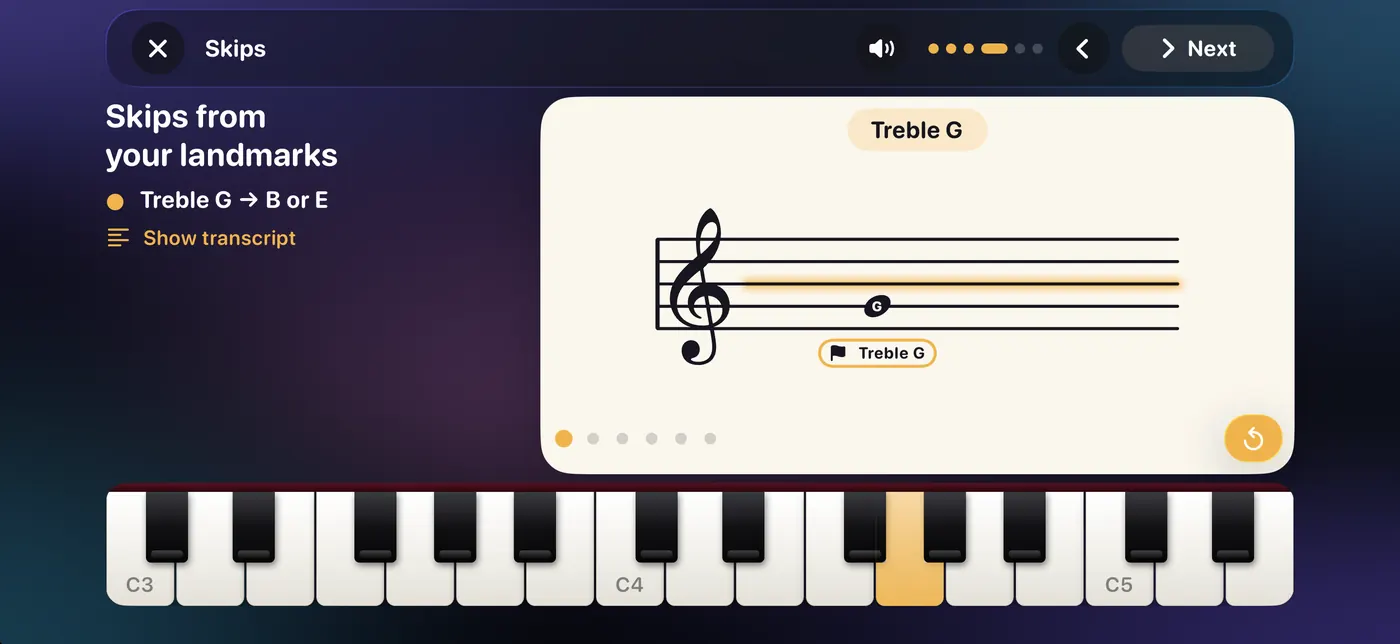
One step at a time, in a teacher's voice
Every lesson is spoken by a recorded teacher, Clara or Leo. A glowing line shows where a note sits, and the keys light up to match. The aids fade as you learn each note, so you end up reading the music itself.
Real music
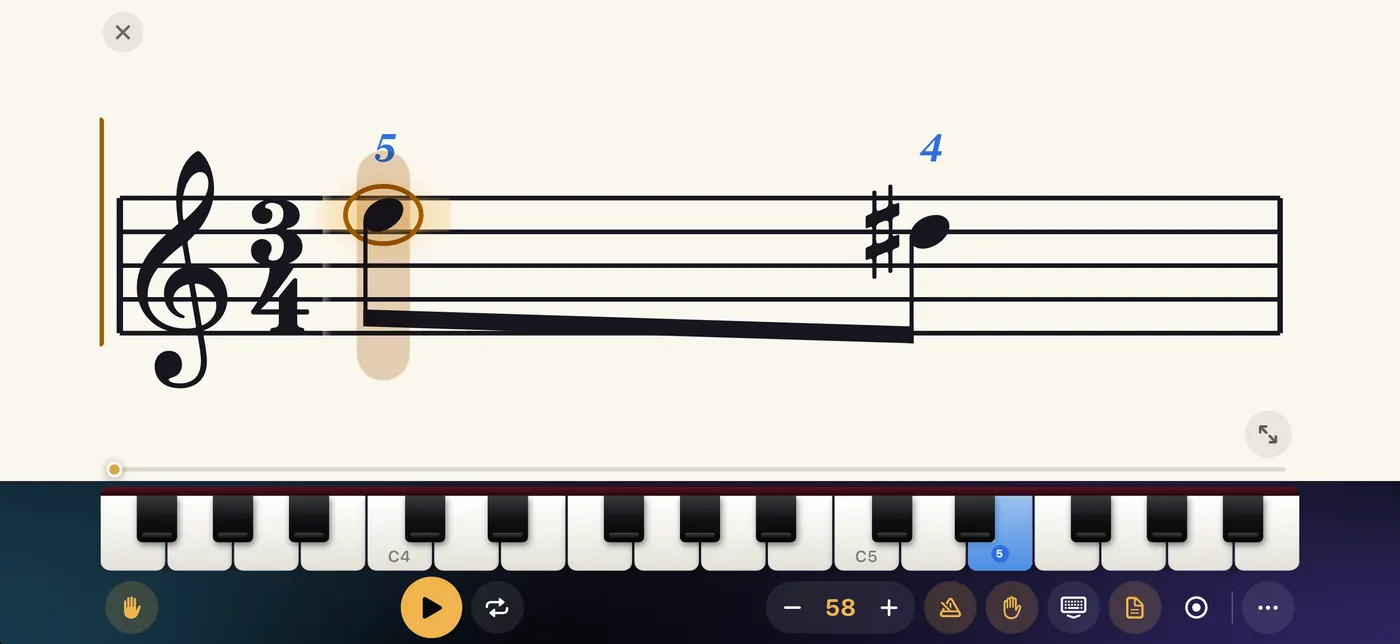
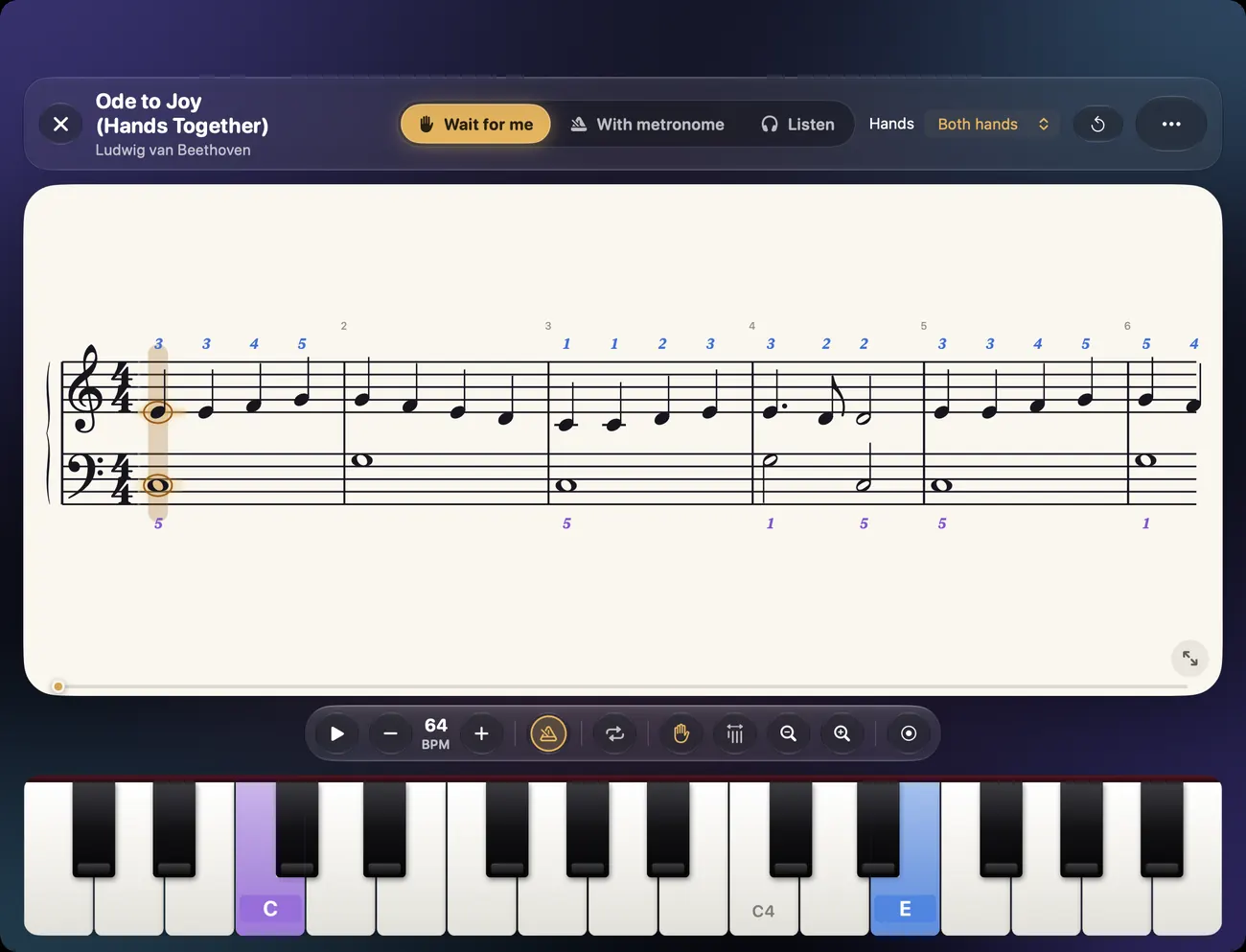
The score is the real thing
Famous melodies and classics, shown as proper notation, big and clear. The keys to play light up on the keyboard, with fingering numbers if you want them. Play it your way: wait for me, with a metronome, or listen first.
First Look
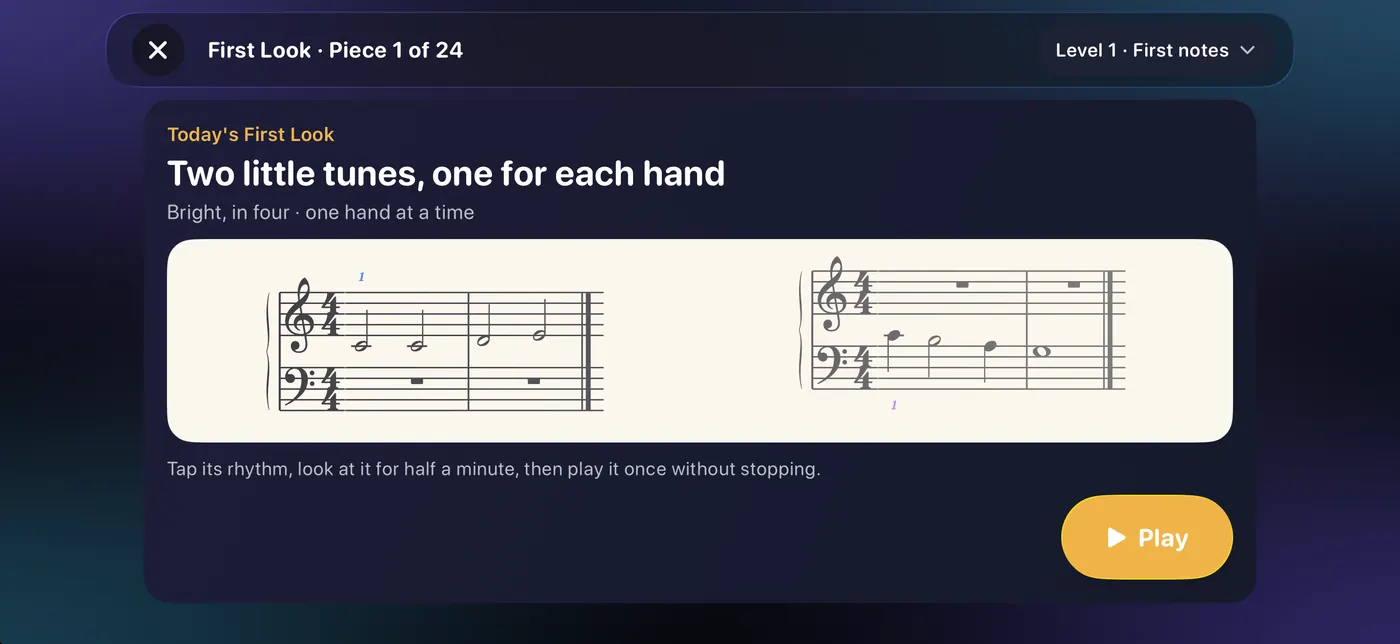
Play a new piece at first sight
Look at a little tune for half a minute, then play it once through without stopping. It is the quickest way to become someone who can open a new piece and just play. Each one is short, and there is nothing to chase.
Play from chords
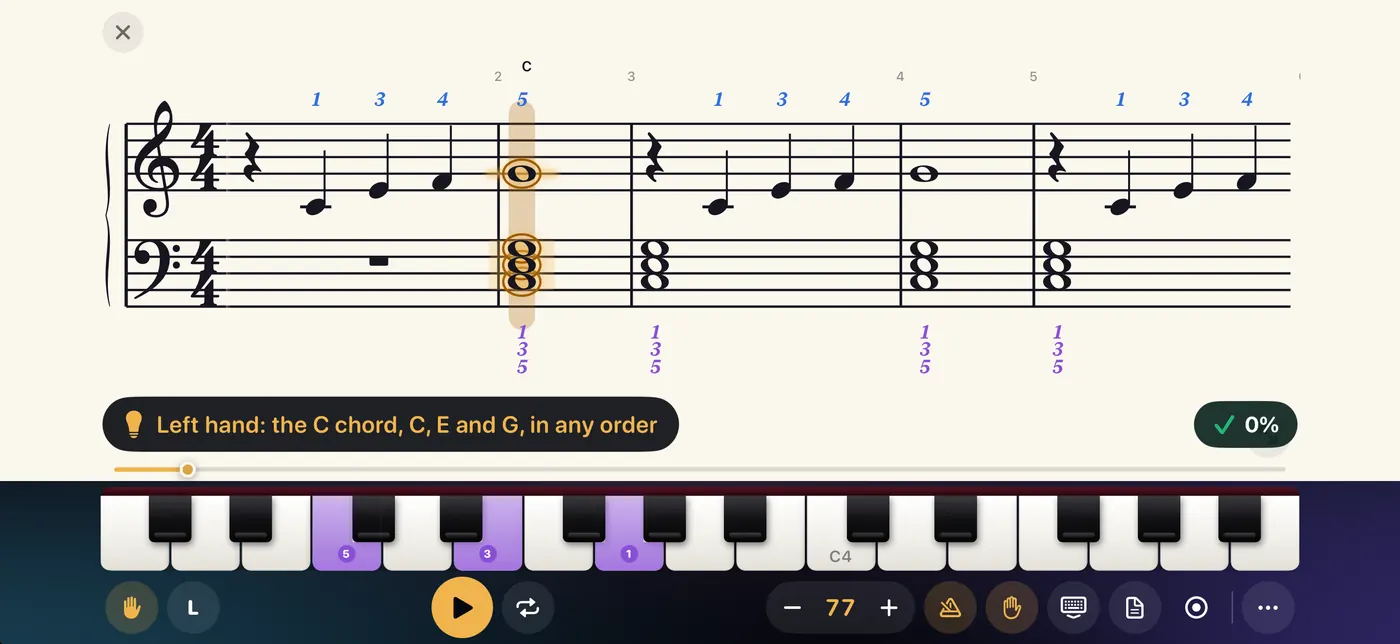
Play the songs you love from a chord chart
Learn to read a lead sheet and play a left-hand chord pattern under the melody. With chords you can play along with songs you know, long after the course ends.
Improvise
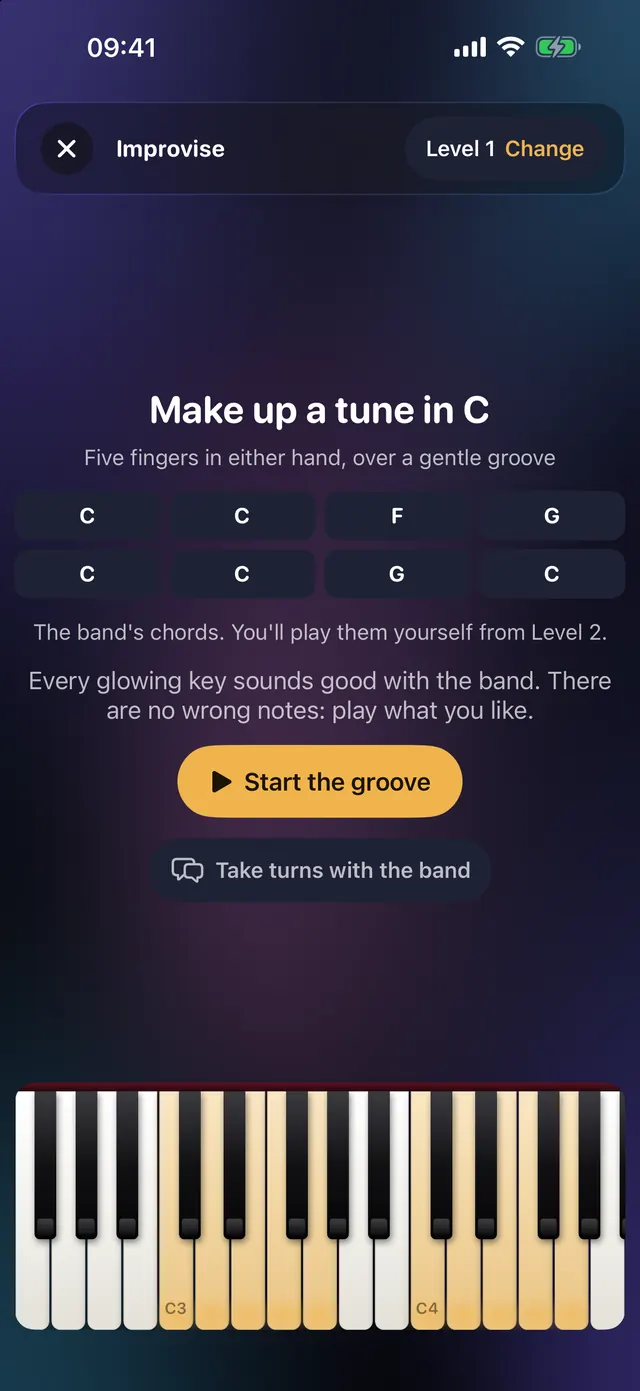
Make up a tune over a gentle band
Pick a key, press Start the groove, and play. Every glowing key sounds good with the band, so there are no wrong notes. A small step into making your own music.
Songs
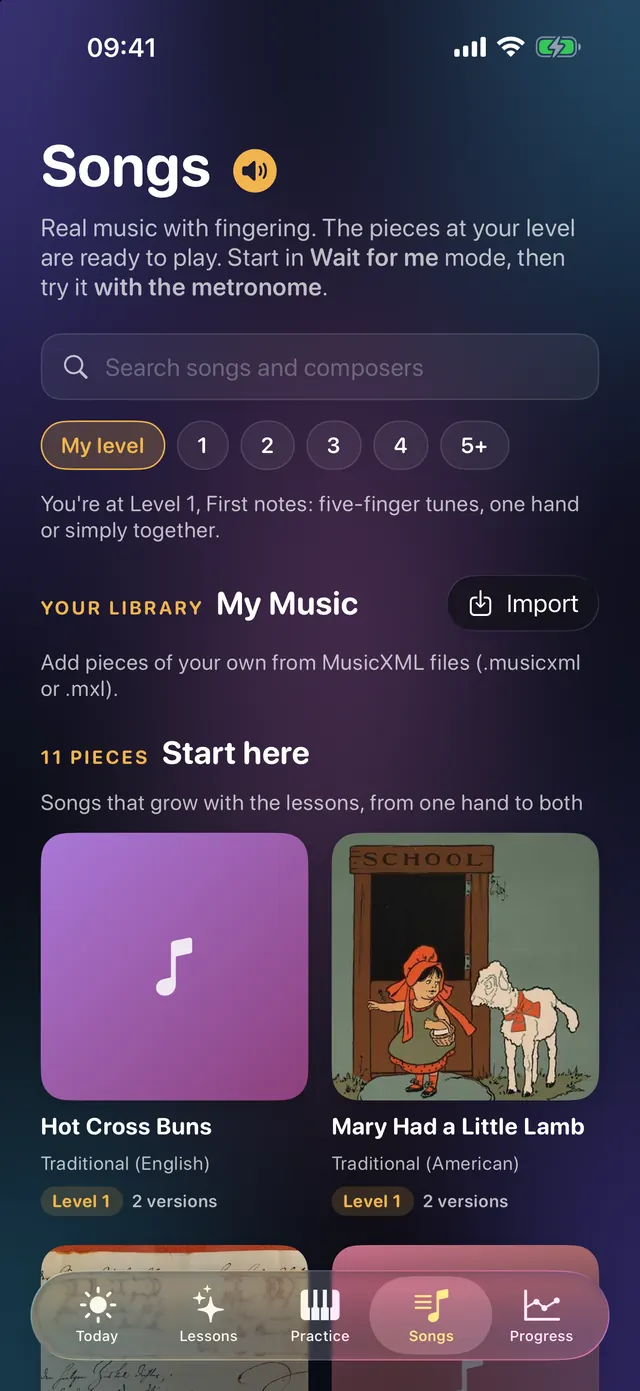
Famous tunes, ready at your level
Folk songs and classics from the public domain, arranged for where you are now. Each has a version for one hand or both, and you can add your own pieces as MusicXML.
It listens
Your piano, your way
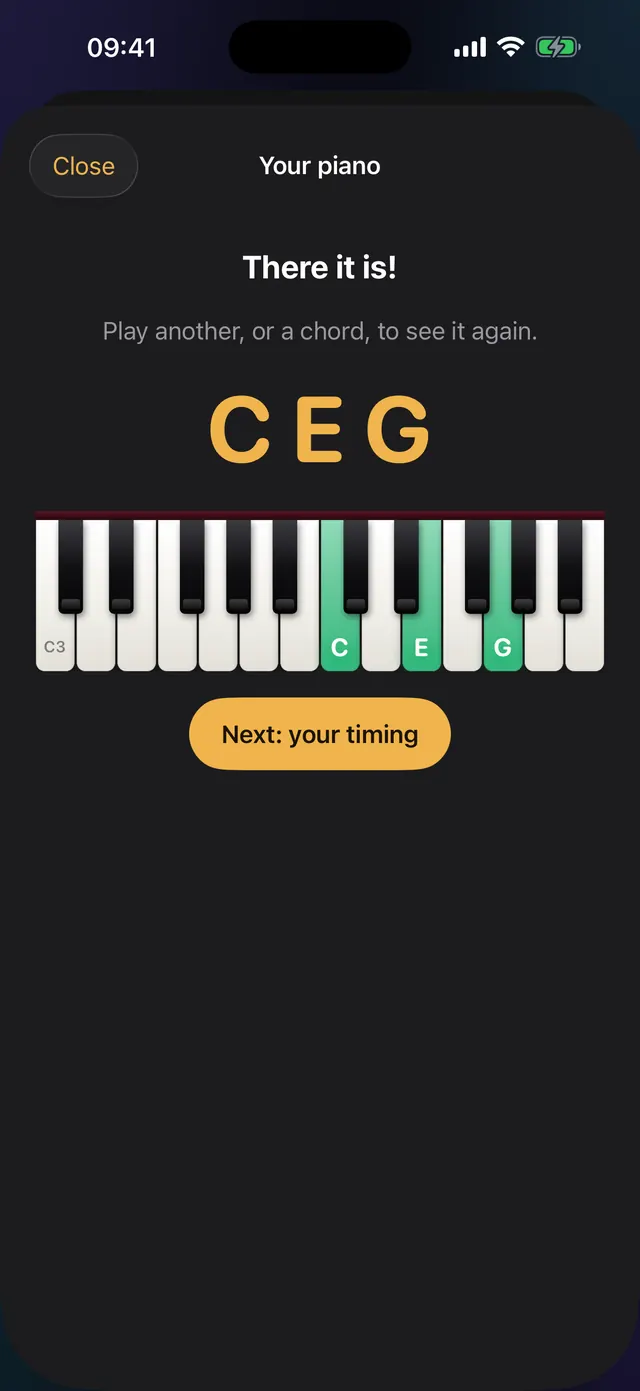
Connect a digital piano by USB or Bluetooth, or play an acoustic piano and let the microphone listen. No piano with you? Use the on-screen keys, or your computer keyboard on a Mac. The sound is analysed on your device and never sent anywhere.
On your Mac
The same course on your Mac
One purchase covers iPad, iPhone and Mac, and your progress follows you through your private iCloud.
How it works
- Connect your piano. A digital piano over USB or Bluetooth, or an acoustic piano through the microphone. Or use the on-screen keys.
- Follow the lessons. Short, spoken, and always something to play. Hints fade as you learn.
- Play pieces you know. Each level ends with a recital: play a few pieces through, in your own time.
Free to start. Pay once.
No subscription, ever. One purchase works on your iPad, iPhone and Mac, and Family Sharing is on.
Free
$0
- Level 1 of the course
- Daily practice for the notes you learn
- A selection of songs
- One piece of your own sheet music, with every feature
Full Course
$39.99 one time
Launch price $29.99, for a limited time.
- Levels 1 to 4
- Every song and classic
- First Look
- As many of your own pieces as you like
More levels are planned for people who want to go further. Prices may vary by country.
Private by design
No account, no ads, no tracking. What you play, and the sound from your microphone, stay on your device. Your progress can sync between your own devices through your private iCloud. Read the privacy policy.
Sit down and play
Coming soon to the App Store